
How can we help?
Quick guides for organisers and players. 1Pick a gameBrowse the library and try a game for 60 seconds to be sure it suits your group.
 2Open a roomPick sample content, set the timer and click Open room. No account needed.
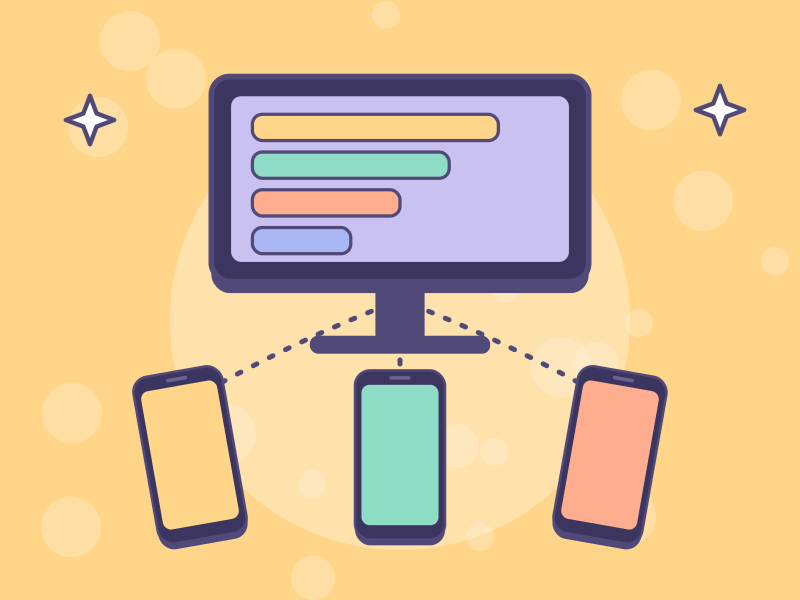 3Show & pair a phoneOpen the presentation window on the TV and scan the host code to control it from your phone.
 4Run the gameStart, reveal, rank, next game. At the end click End room.

Frequently asked questions
Yes. The Free plan covers rooms of up to 20 people, as many times as you like. For bigger events, your own logo or result exports, choose a paid plan from ₫199,000 per event (Starter 200 people, Event 500, Event Pro 1,000, Premium 2,000). See the Offers page for details.
No. All they need is a phone with a browser and internet: scan the QR code or enter the PIN, then type a name.
Each room has one code for the whole session and a script of games in order. The maximum per plan: Free and Starter 1 game, Event 3, Event Pro 6, Premium unlimited. Each game needs content before it runs (your own, a VuiHub sample set, or a game that needs none). When the host switches games, players' phones follow automatically, no rescanning.
No. Scores and answers are stored on the server. Reopen the page to continue at the current question.
The host can lock the room, remove people and turn on review-before-showing for Word Cloud. The filter blocks inappropriate words automatically, even without diacritics.
You can add your own questions when creating a room. From the Event plan you can add your logo and brand colours. If you would like our team to write a company question set, message us on Zalo for a quote.
Yes. VuiHub is part of an event app ecosystem, so you can combine check-in + mini games + prize draws for one programme.